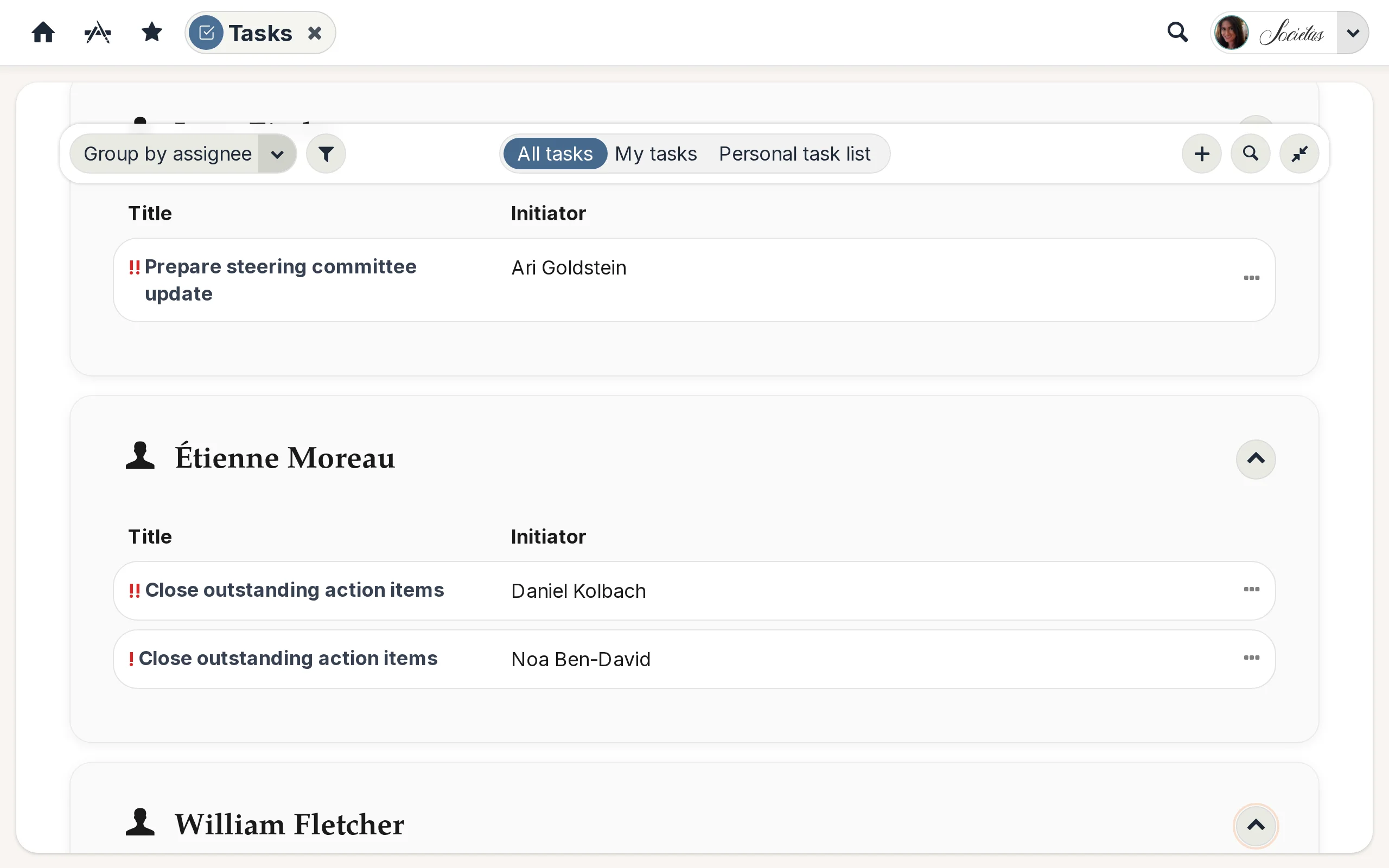
One list for every task that matters
The Tasks app opens on a unified task list with tabs along the top: All, My tasks, Personal, and Group tasks. Whether a task came from a team space, was assigned to you by a colleague, or is something you wrote down for yourself, it shows up here.
Add, assign, schedule
Click the + button and choose Create task. Fill in title, description, assignees, due date, and an optional milestone, then save. Click any task title to open its detail page — description, assignees, state dropdown, milestone, due date, and a comment thread for working things out together.
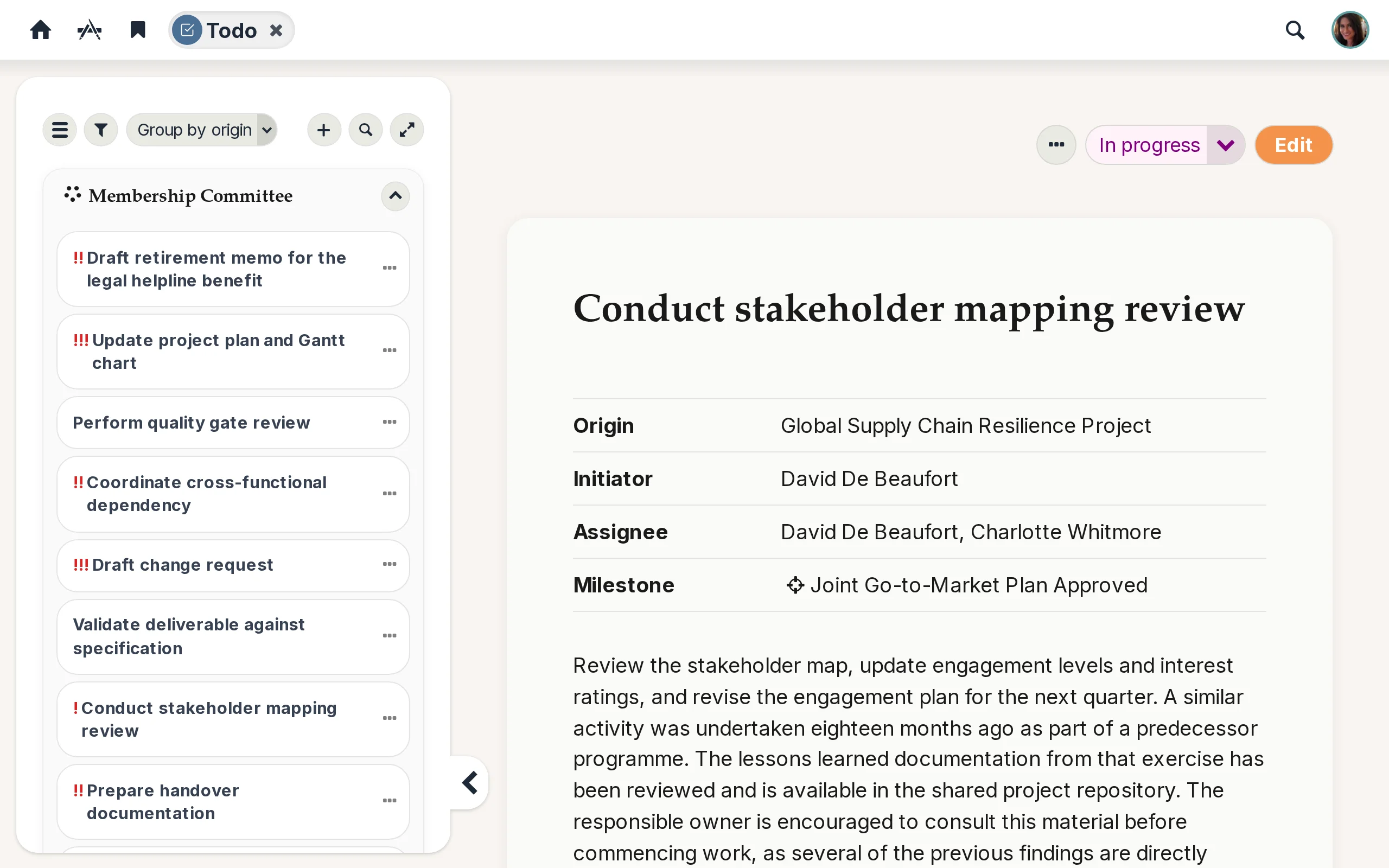
Filters that stick around
The toolbar offers filters by assignee, initiator, milestone, due date range, and a sort dropdown. Your choices persist across visits, so the view you set up today is the view you come back to tomorrow.