One click in, no install, no passwords
The Meetings app splits into two parts: a sidebar listing personal, shared, and team space video-conference rooms, and a main area showing your upcoming events grouped by date. Click any room to join the call straight in the app — no installer, no entry codes, no fuss.
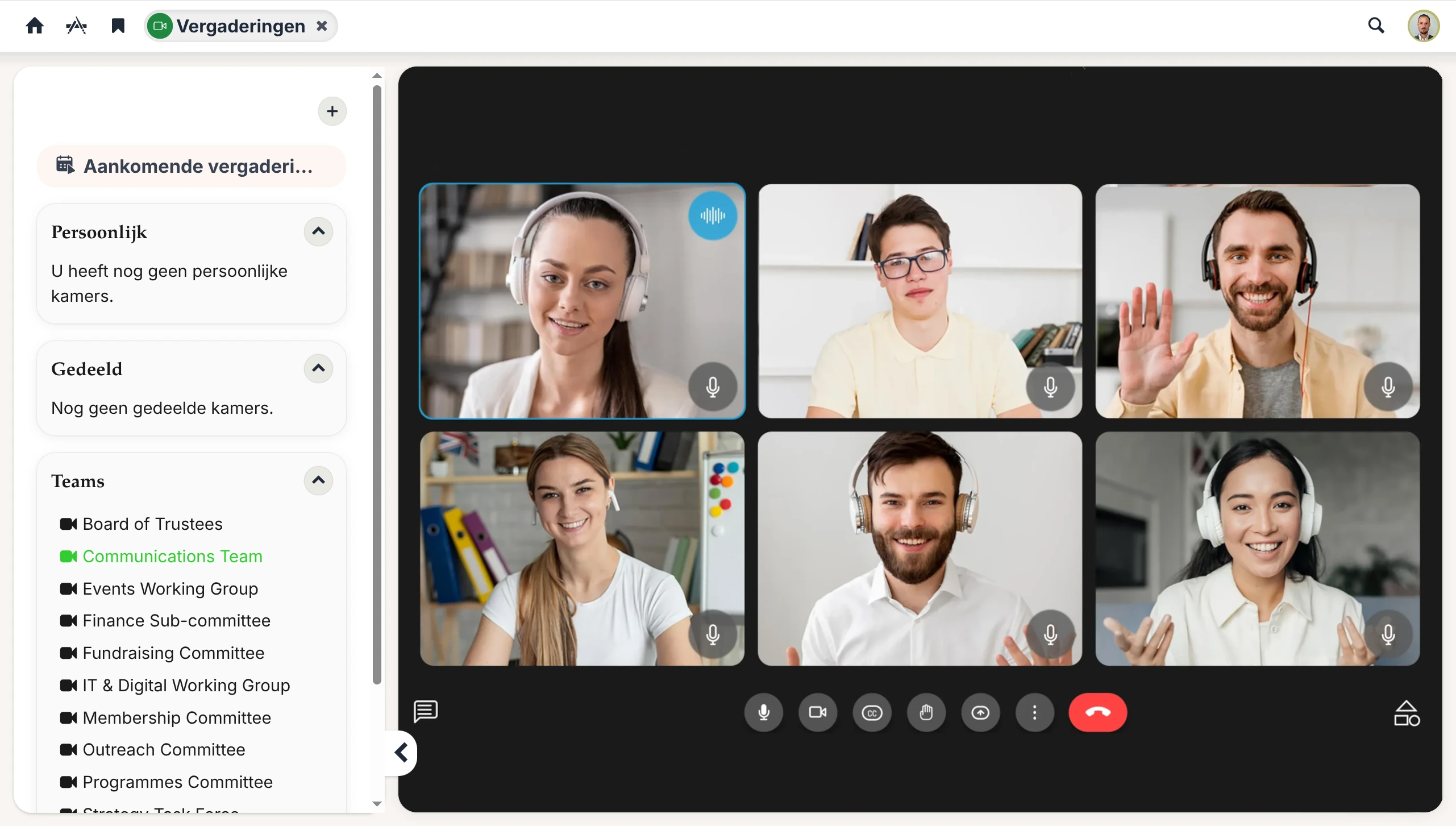
A meeting room for every team space
Every team space automatically comes with its own meeting room. You don’t need to create it: as soon as a team space exists, so does its room. Reach it from inside the team space via the Video conference tab — the call opens with the team space’s documents and tasks one tab away — or from the Meetings app, where every team space you belong to is listed in the sidebar.
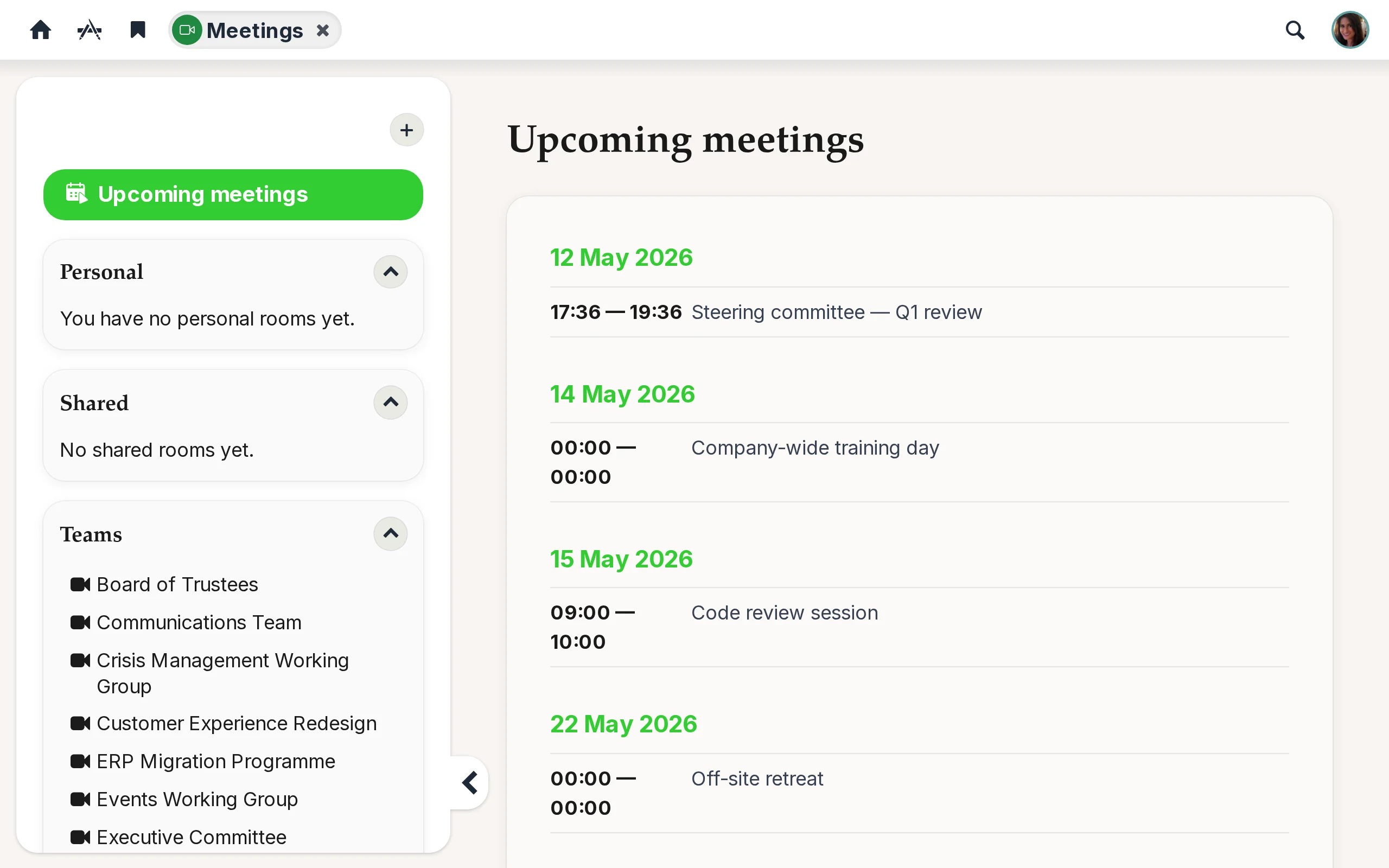
Both entry points open the same room. Whoever is already in the call from either side is right there with you.
Personal and shared rooms for everything else
For ad-hoc calls, recurring catch-ups, or rooms shared with people across multiple team spaces, personal and shared rooms sit alongside the team space ones. Same one-click join, same in-browser experience.