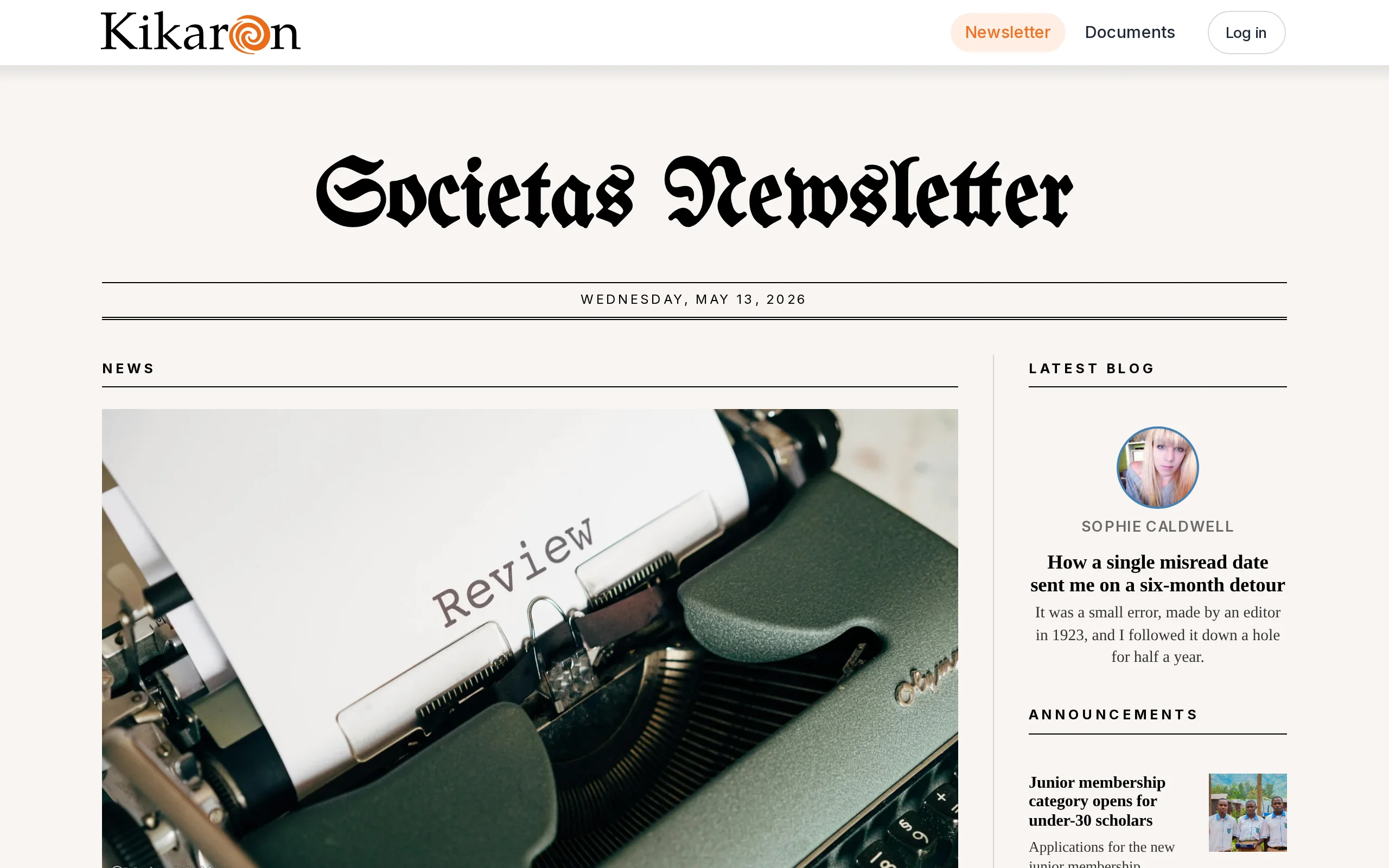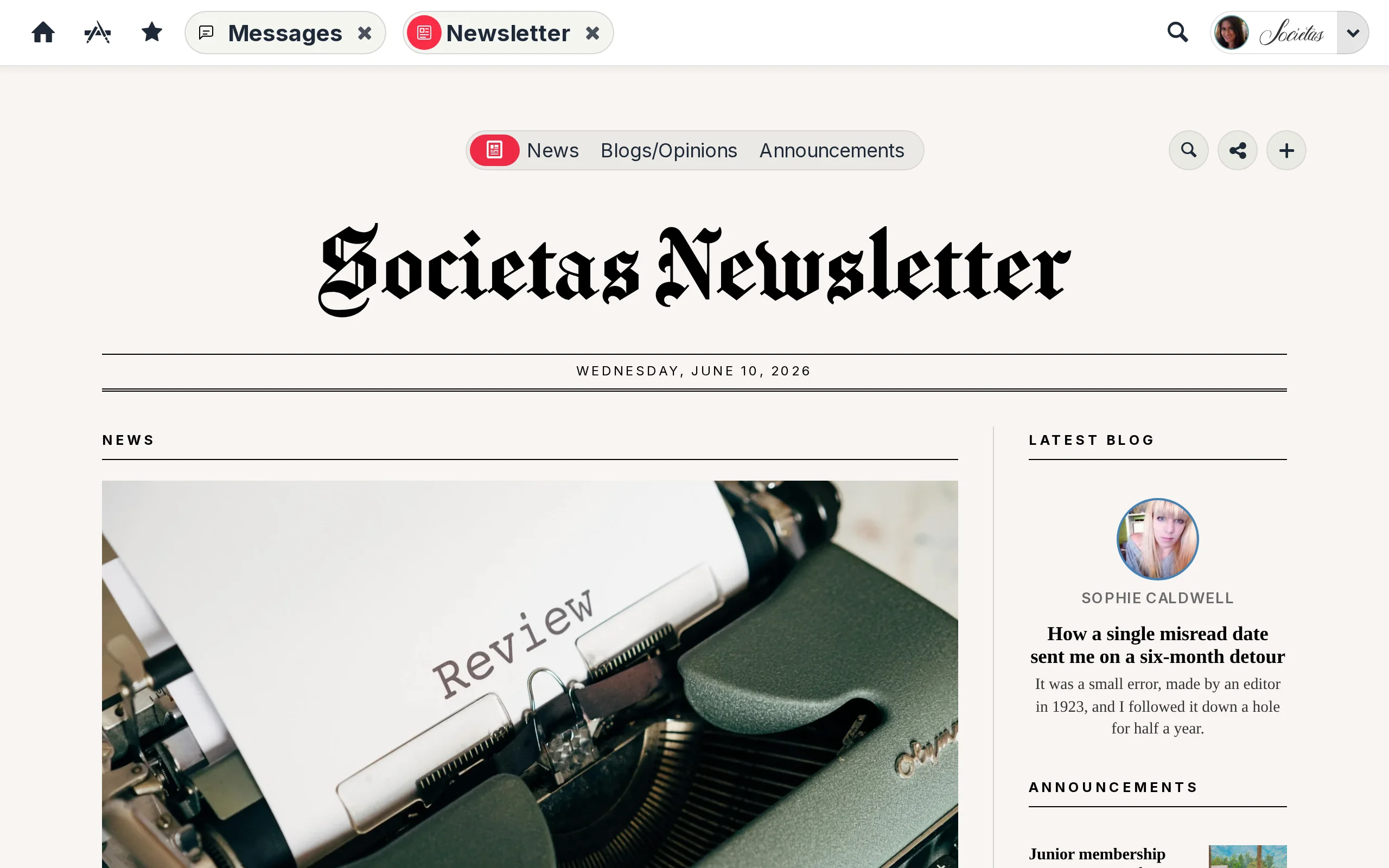
Editorial news and announcements
Inside each environment, a small group of users — appointed editors of the Newsletter — write the official news and announcements. Each article is a full page with a headline, a lead paragraph, body text, and supporting media, ready to be read like the front page of a magazine rather than skimmed like a chat update.
Pictures on tap
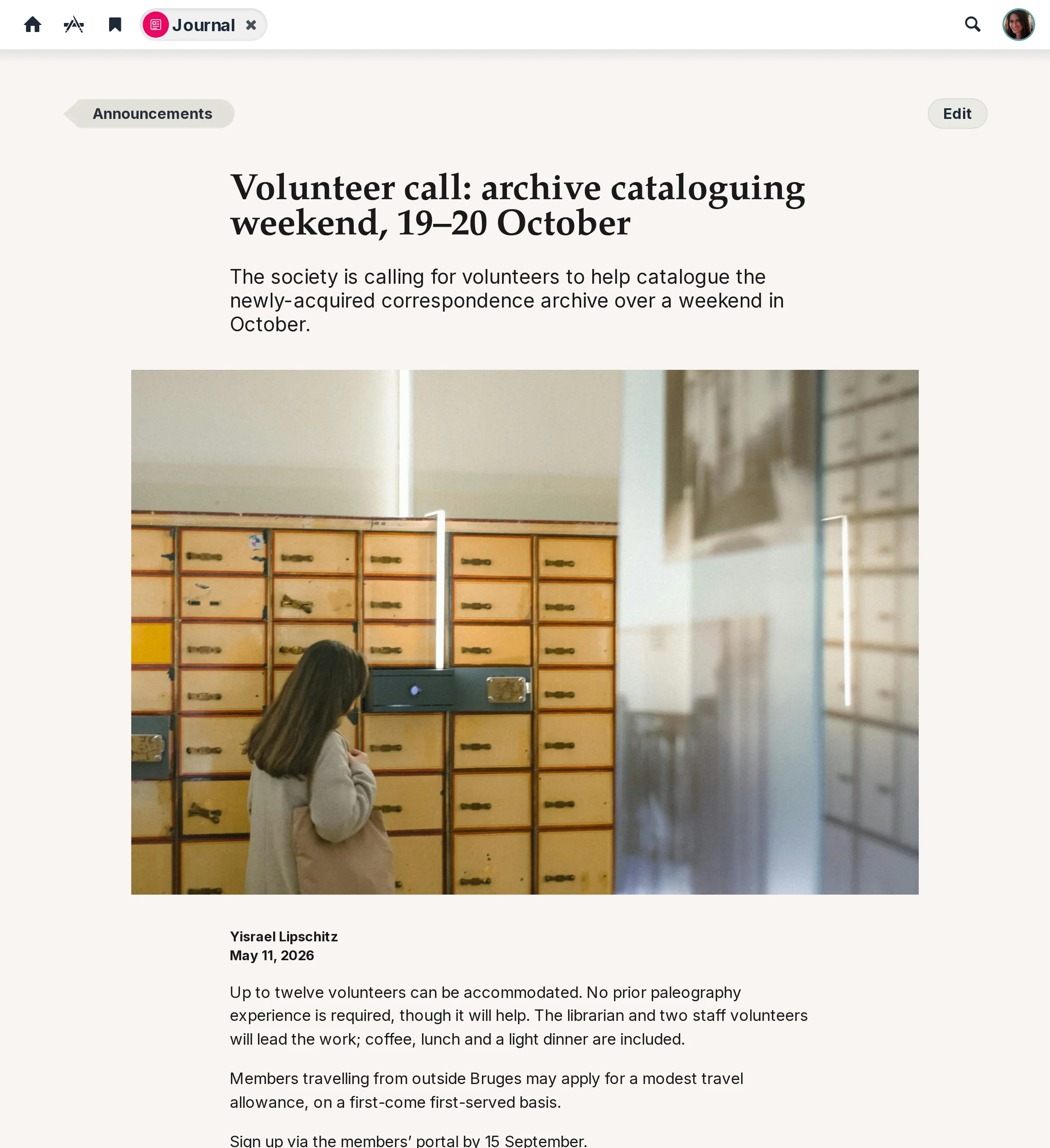
Every article can be enriched with images from the platform’s images library — your own shared collections, team space photos, and the stock libraries your environment subscribes to. If the right shot isn’t there, editors can upload one in the same flow — the image-copyright workflow queues it for approval automatically.
Community blogs alongside the news
Beyond the editorial track, members of the organisation can write their own blog pages — ideas, experiences, reports back from a trip, reflections on a project. Same tools, same image library, same workflow — published as a personal voice within the community rather than as official news.
A newspaper that lays itself out
The Newsletter landing page composes itself like a real newspaper: the most prominent piece on top, secondary stories arranged below, blogs flowing into their own column. Sections, dates, and bylines are pulled from the articles themselves — editors don’t lay out the front page, the platform does.
The name “Newsletter” itself is just the default label — rename it to Bulletin, Gazette, Chronicle, Journal, or anything else that resonates with your members.
On every dashboard
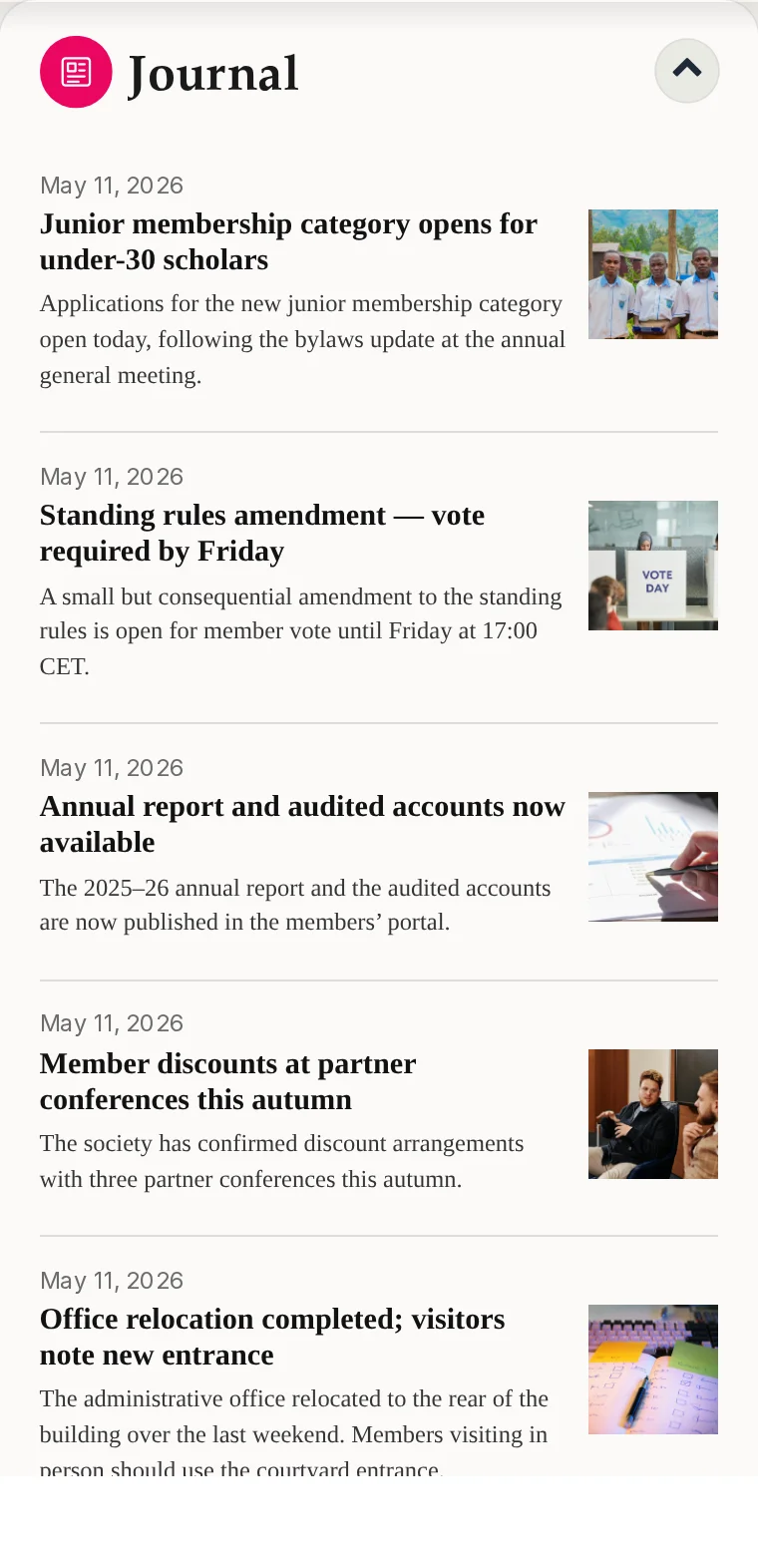
A Newsletter portlet sits on every member’s dashboard with the latest headlines and lead paragraphs at a glance — so even before opening the Newsletter app, members see what’s just been published.
Public articles, free public newsletter site
Any article — editorial or blog — can be marked Public. Public articles automatically appear on a separate public newsletter website that comes free with every Kikaron hub, at your organisation’s own URL. The entry to this site sits side-by-side with that of the public documents site, which also comes by default with every hub. Non-members can read what you’ve chosen to share without ever logging in; private articles stay inside the member environment. One toggle, two audiences, the same editorial workflow.