Help

Documentation for every app and feature, organised so you can browse or search.

Help

A manual that lives inside the product

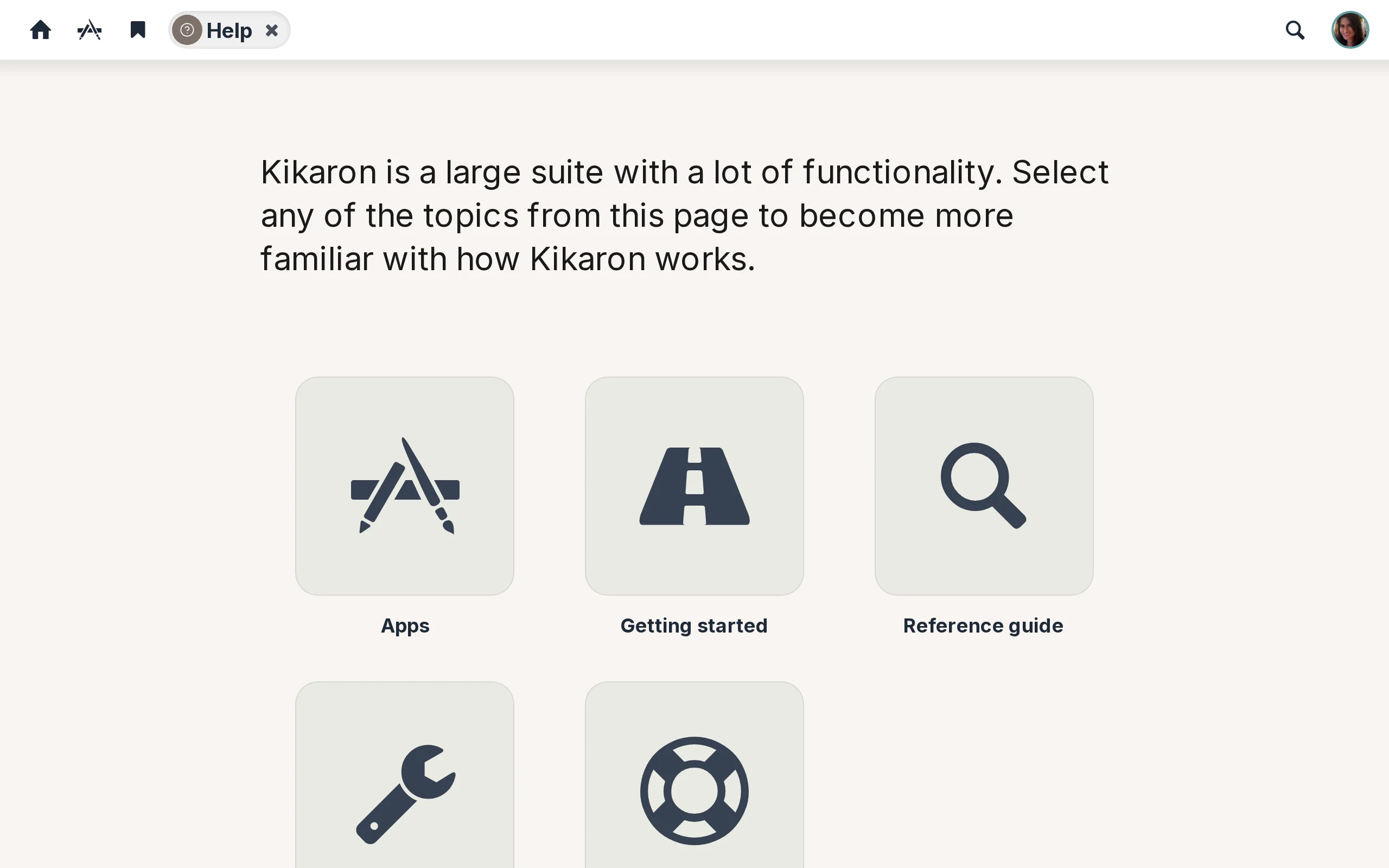
The Help app is the manual for your environment, laid out in five top-level sections: Getting started, Reference guide, Apps, Setup, and Troubleshooting. Click a tile to see the table of contents for that section, and the Back arrow on any help page returns you to the section index.

Help pages you can favourite

Every help page has a star icon in its toolbar. Click it to add the page to your personal Favourites — useful when you’re learning something new and want a fast way back to the same explanation later.

Keep exploring

Team spaces

A shared environment for every team, project, or committee — documents, tasks, events, a meeting room, and a group chat, side by side.

Documents

A central library of every important document, with a free public site for the ones the world should see.

Updates

The social heartbeat of your environment — short updates, announcements, and shared files, newest first.

Newsletter

A self-laying-out newspaper for your organisation — editor-curated news, member-written blogs, and a public newsletter website that comes free with every hub.

Messages

One inbox for every conversation — direct messages, group chats, and the chat for each of your team spaces.

Tasks

Personal to-dos, team space tickets, and everything assigned to you — in one list.

Calendar

One place for everything that's coming up — team space events, organisation events, your own.

Meetings

Video conferencing built right in — personal rooms, shared rooms, and one for every team space.

Contacts

Your address book — colleagues, external partners, groups, and emergency services in one place.

Photos

A shared photo library — your collections, your team's, plus stock imagery on tap.

Search

Find anything across the platform — one global search plus a search box inside every app, with AI summaries that surface what matters.

Favourites

One alphabetical list of everything you've starred — team spaces, people, and documents.

Preferences

Tune Kikaron to the way you prefer to work — language, security, and appearance, your way.

Try Help in your free Kikaron environment

6 weeks free, all apps included, no credit card required.

Try for free See all apps